AI Smart Cutout:
Remove Any Background in a Video Easily
Transform your videos with Filmora's Smart Cutout. Whether you're cutting out people, pets, objects, or backgrounds in a video, our AI-powered technology makes it easy to create professional-quality content. Add creative effects, change backgrounds, and fine-tune every detail with just a few clicks.
Win 11 /Win 10 / Win 8 / Win7 (64 bit OS)
macOS 10.15 - macOS 26
What Makes Filmora's Smart Cutout Stand Out?
Filmora's AI Smart Cutout is designed for creators who demand precision and creativity. With advanced AI technology, you can effortlessly cut out a person, video background, or any other element from your videos and take your editing to the next level.
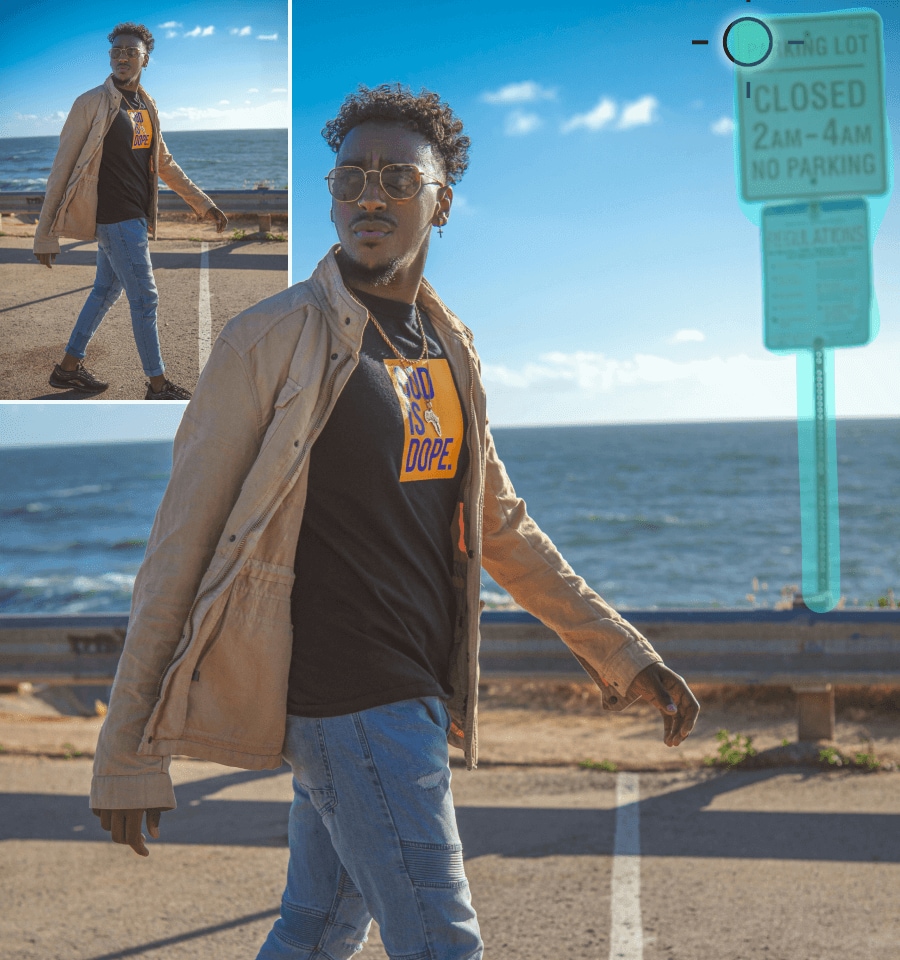
Cut Out Anything From a Video
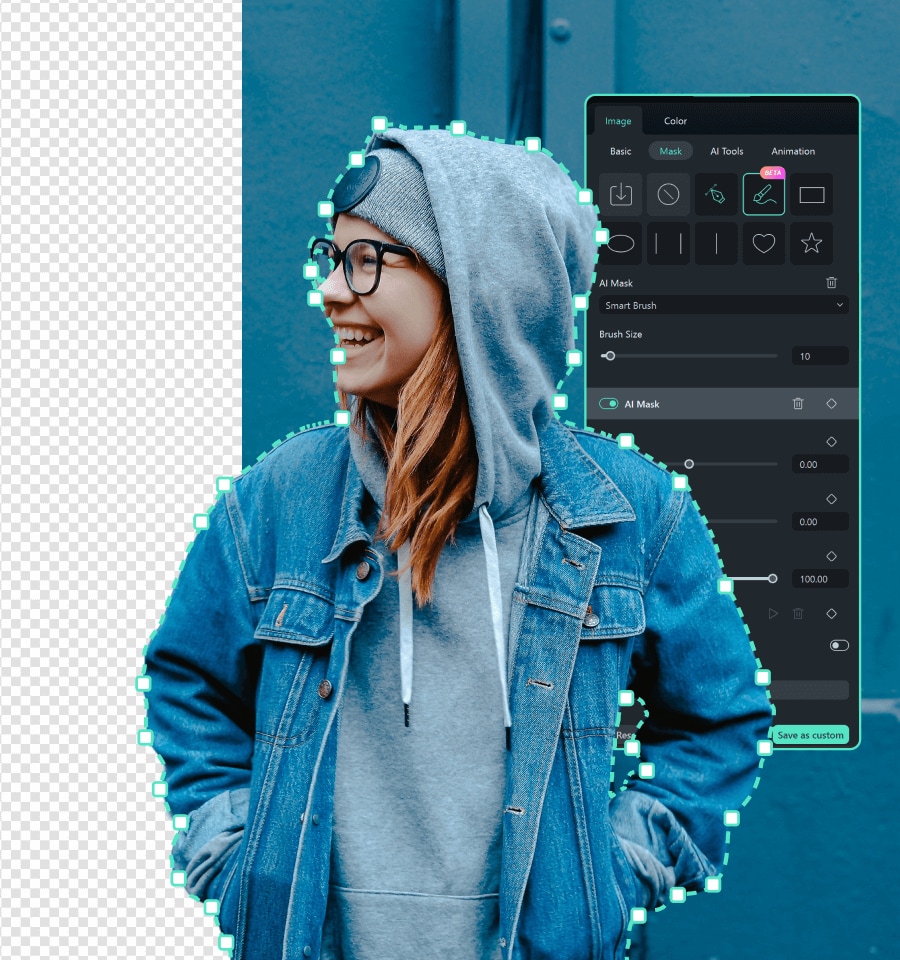
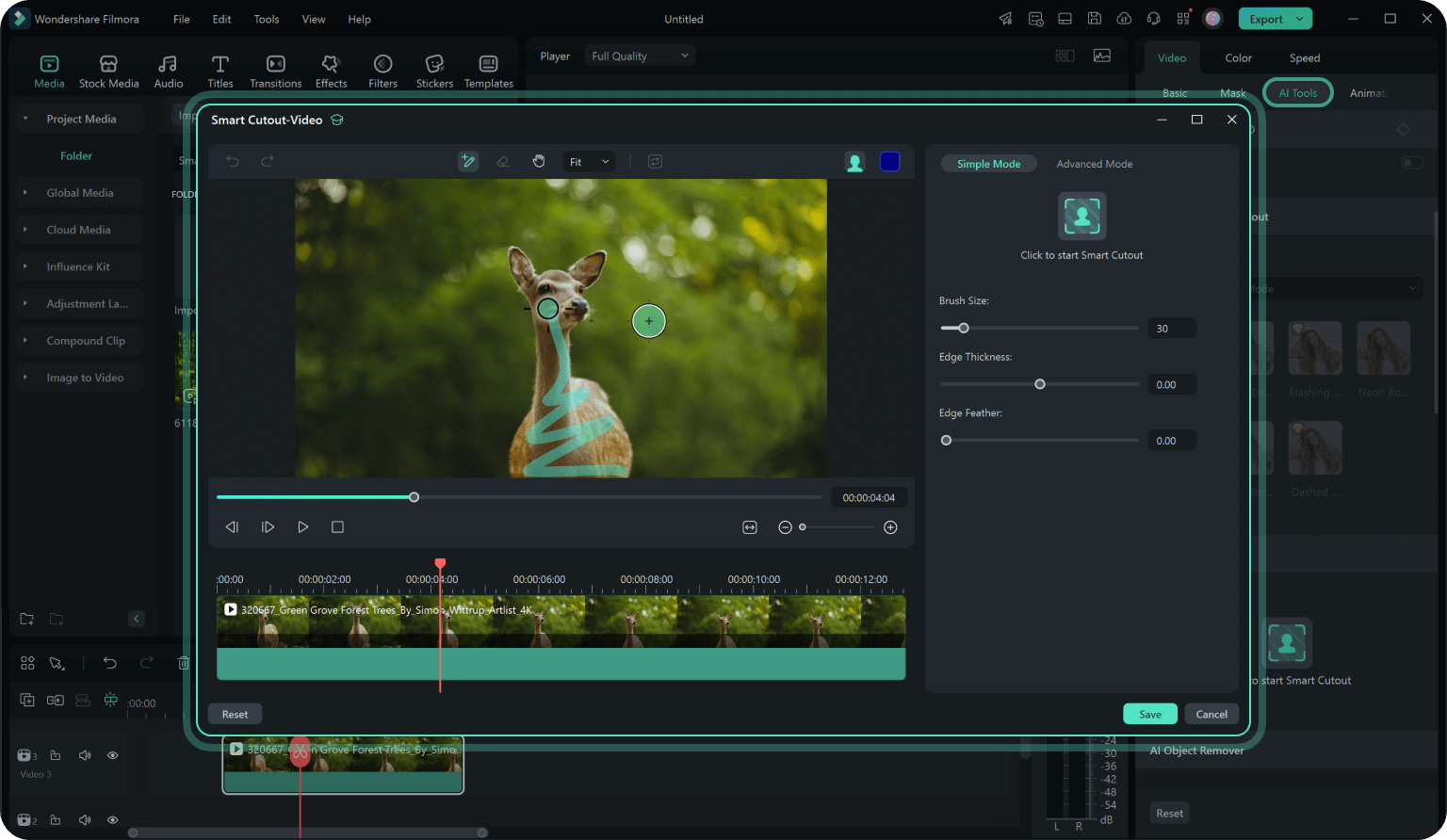
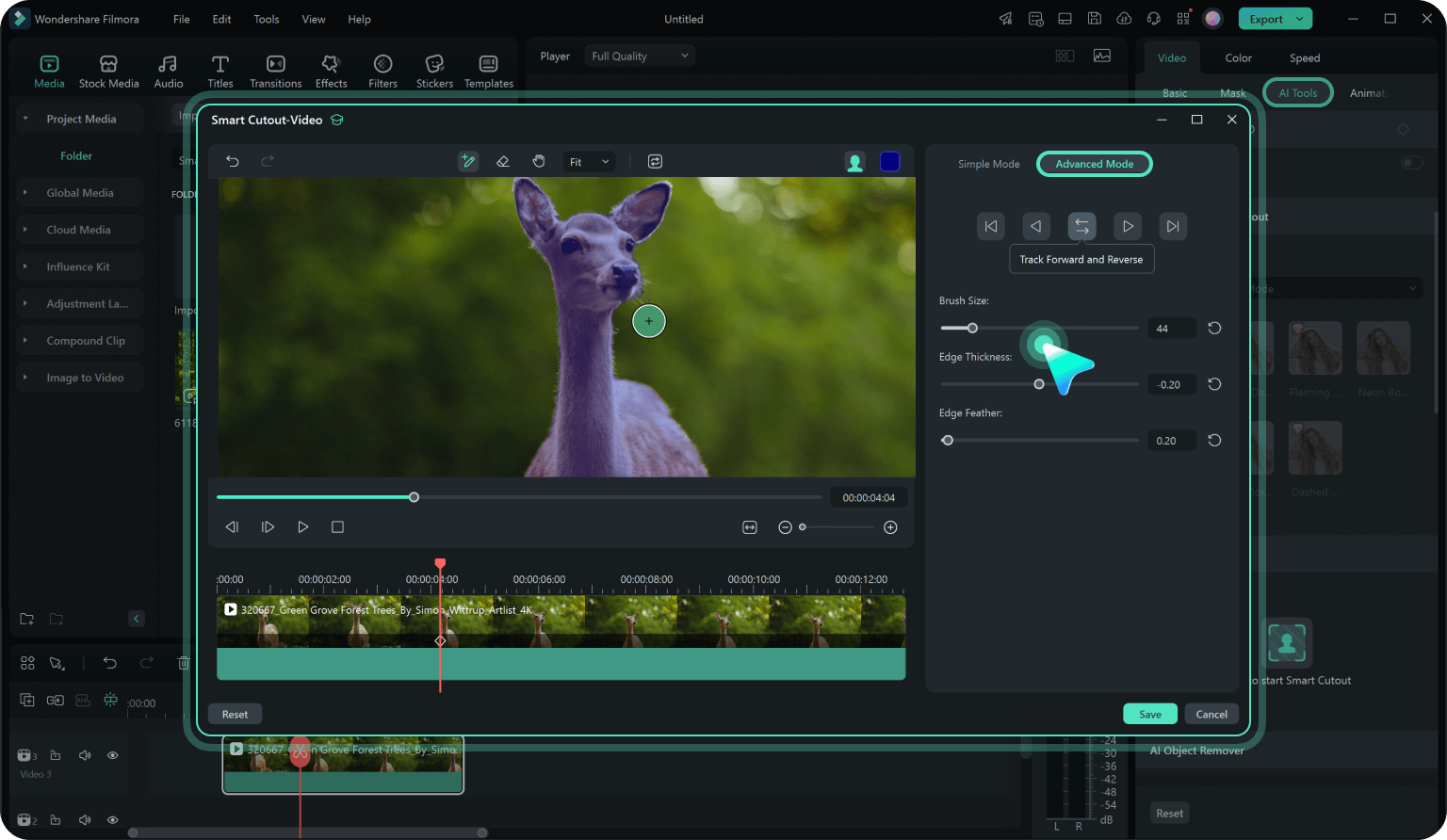
Use a simple brush to highlight a person, pet, or moving object in your video. The AI will automatically detect and cut them out from the video, even in complex scenes.

Fine-Tune Every Frame
Adjust frame-by-frame, refine edges, control feathering, and tweak transparency for flawless results. Use 'Invert Mask' to switch between cutting out the video background or the subject.


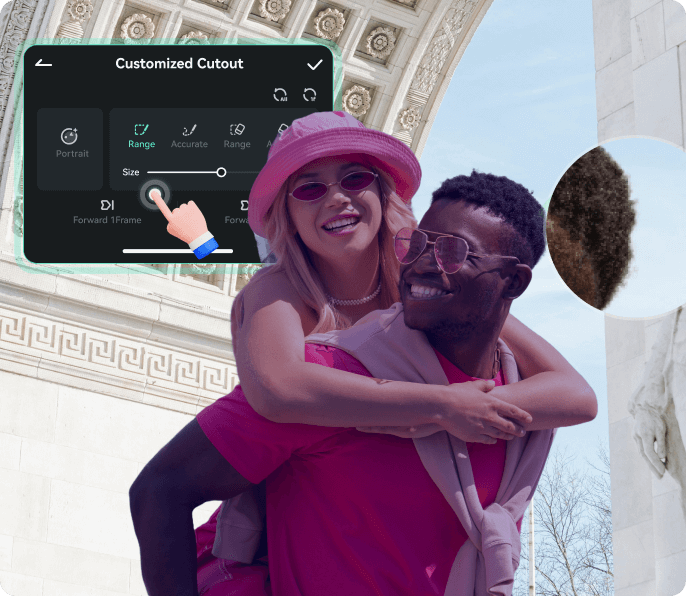
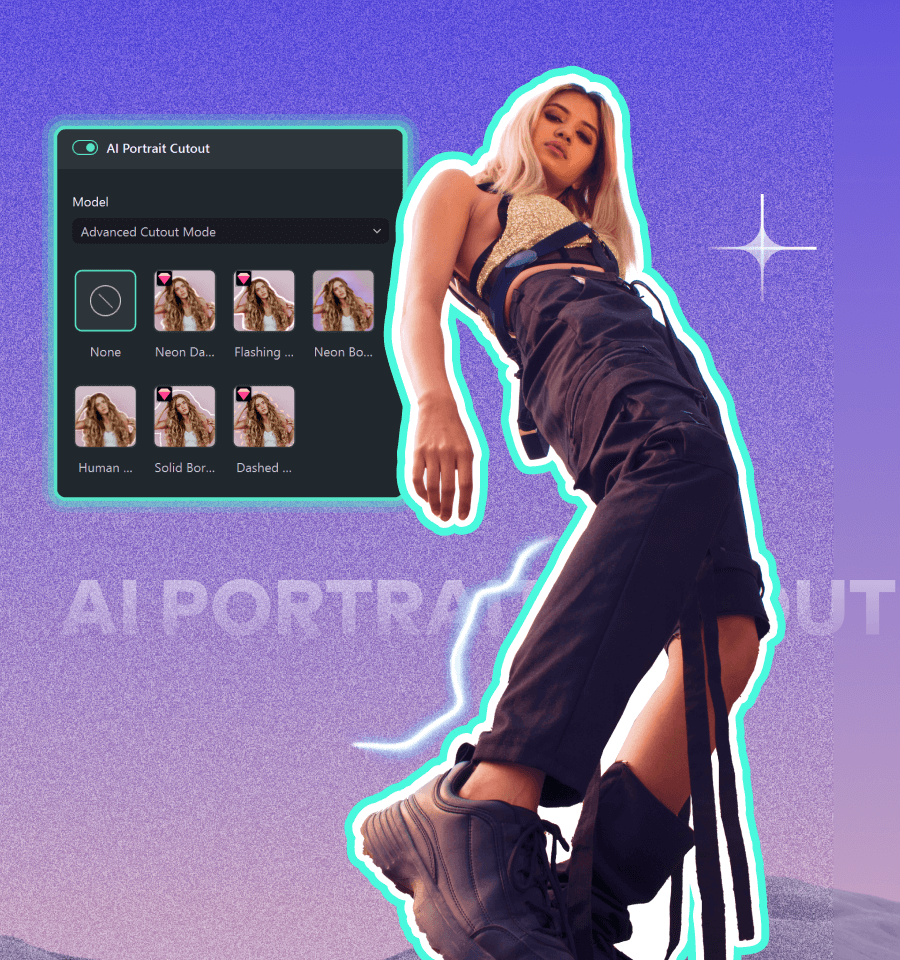
Add Stylish Outlines to Make Subjects Pop
After isolating your subject, you can apply glowing, feathered, or textured outlines to people, products, or pets — making them "pop" from the background with extra depth and motion. Powered by advanced motion tracking and edge stabilization algorithms, the outline stays perfectly aligned even when the camera moves or the subject turns

Create Stunning Visuals
After cutting out the object from a video, replace backgrounds, add effects, or layer multiple elements. Turn ordinary videos into something extraordinary.

How To Use the Smart Cutout in Filmora
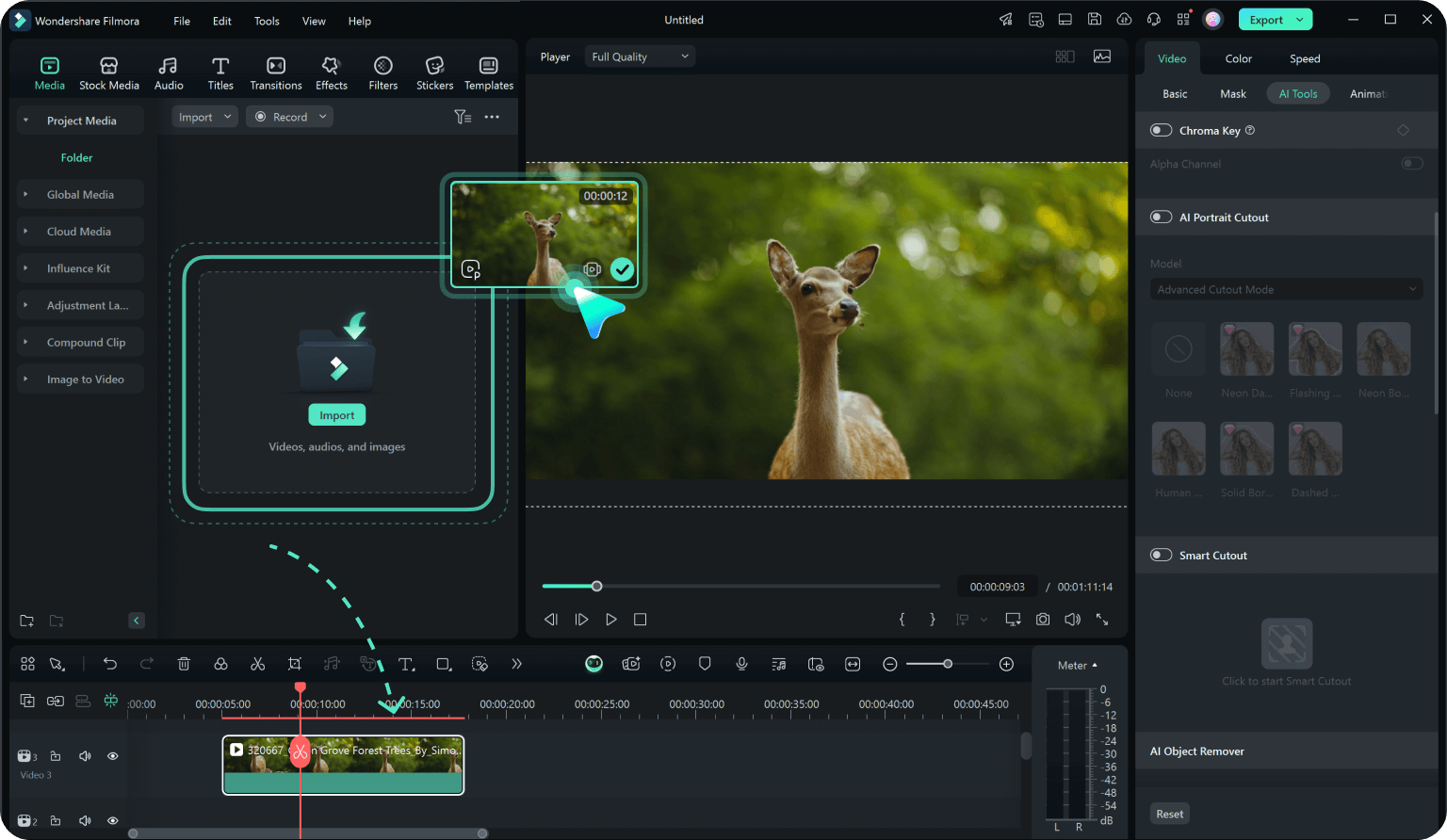
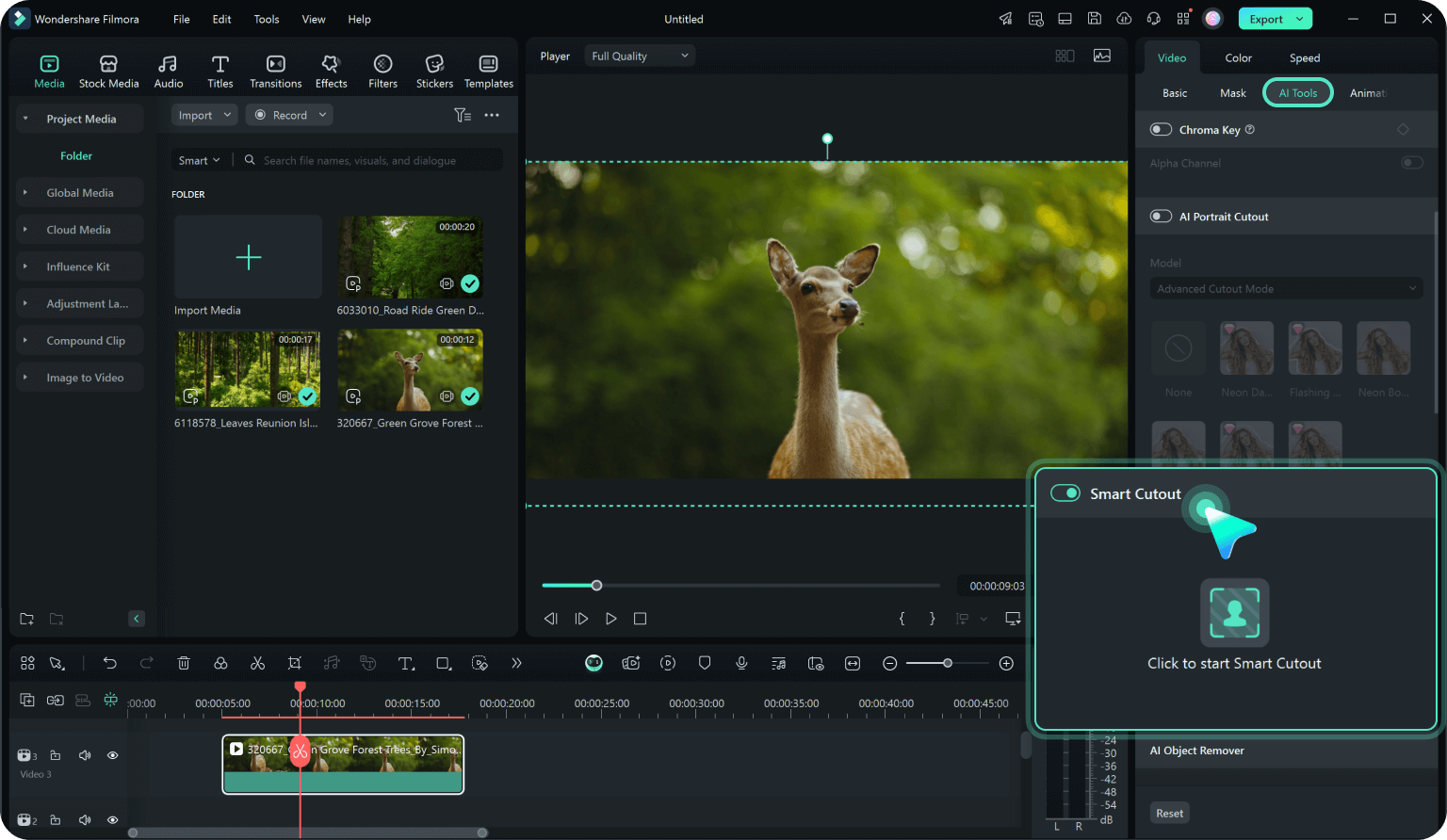
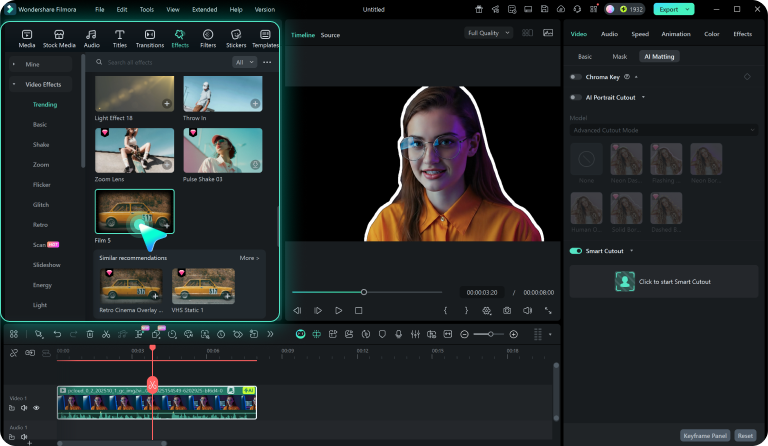
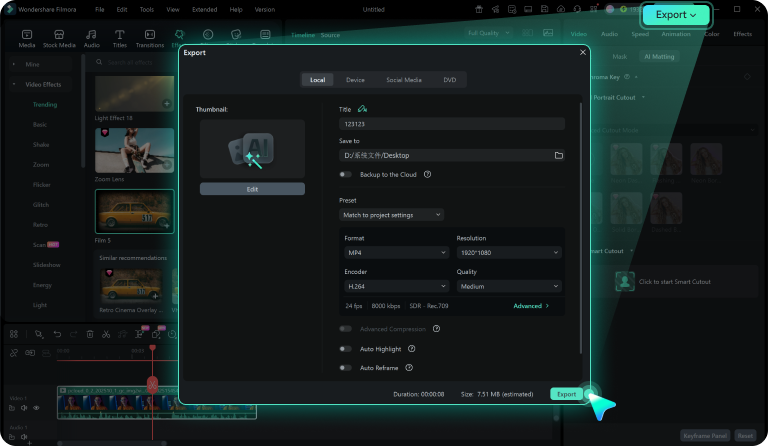
Whether you're on desktop or mobile, Filmora's Smart Cutout is intuitive and easy to use. Follow these simple steps to get started.
Get Inspired: Creative Ways to Use AI Smart Cutout
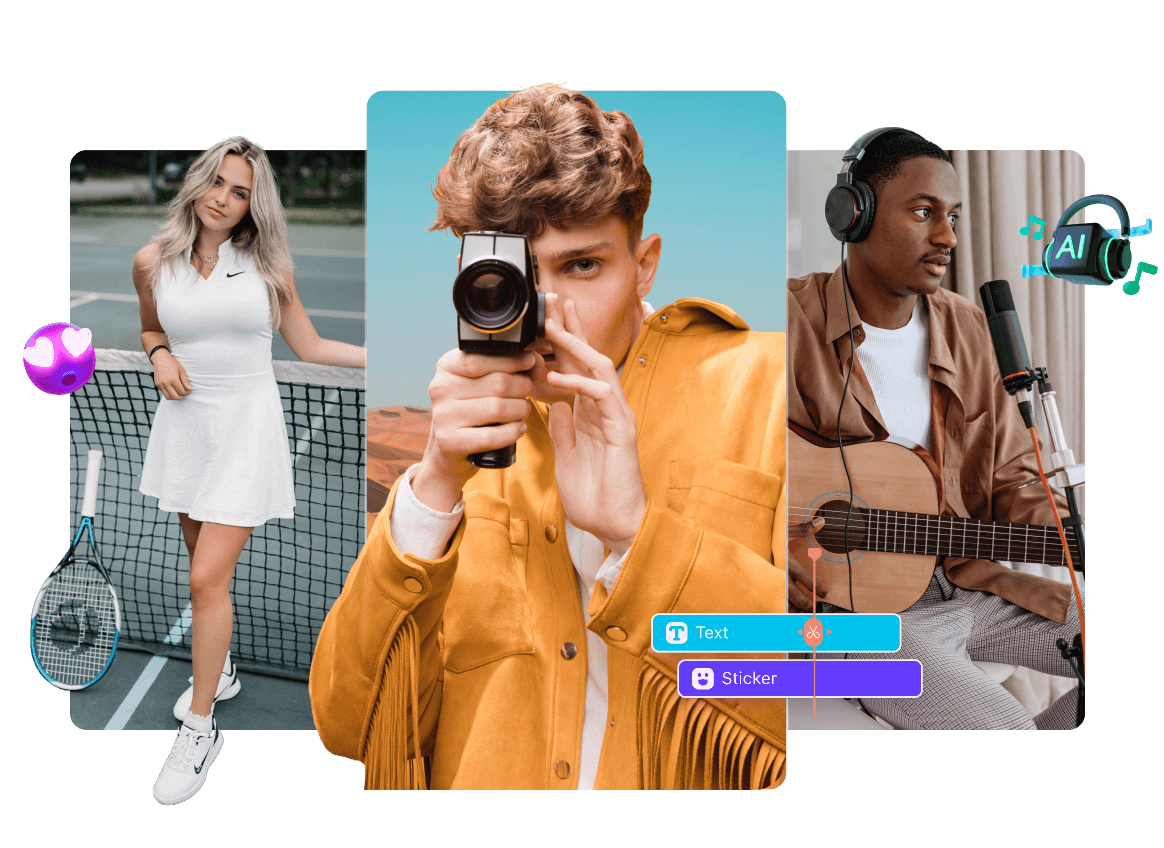
Discover how creators worldwide are using Filmora's AI Smart Cutout to push the boundaries of video editing. From TikTok trends to YouTube masterpieces, the possibilities are endless.
Frequently Asked Questions
What is AI Smart Cutout?
In video editing, AI Smart Cutout is an artificial intelligence-based feature designed to automatically detect and separate the subject (such as a person or object) from the background in a video, or vice versa. This technology accurately identifies the edges of objects in video frames and isolates them from the background, enabling tasks like background replacement, special effects addition, or object extraction.
Can I use the AI Smart Cutout on mobile?
Yes, it works on both Filmora's desktop and mobile apps.
Can I do video cutout for free?
You can try the video cutout feature for free, but you will need to purchase a paid plan to export the video without a watermark.
How accurate is the AI Smart Cutout?
It depends on the background. For simple backgrounds, the AI detects and cuts out subjects quickly. For complex scenes, use the brush to refine the selection and adjust edges frame by frame. The combination of AI and manual tools ensures high accuracy.
Can I replace the background after cutting out a subject?
Yes, you can replace the background with any image or video and add effects to create unique visuals.
What Our Customers Say About Us

CreativeChris
YouTuber
Filmora's Smart Cutout saves me hours. The brush tool is so easy to use, and the results are always sharp.

TravelWithTina
Travel Blogger
I love cutting out objects and replacing backgrounds. My travel videos look more professional now.

PetLoverPat
Social Media Influencer
Cutting out my pets and placing them in fun scenes is a blast. My followers love it!

TechGuruTom
Tech Reviewer
Filmora's AI Smart Cutout is powerful yet simple. It’s perfect for both beginners and pros.
Discover More Powerful AI Features in Filmora