Wondershare Filmora
Remove Audio from Video with a Few Clicks
Mute your video to get rid of unwanted noise and select from the music library to replace the original audio for a better visual match.





Mute Your Video to Eliminate Poor Sound Quality
Filmora lets you mute video or detach audio with just a few clicks, effectively eliminating issues like unnecessary dialogue and unpleasant noise.
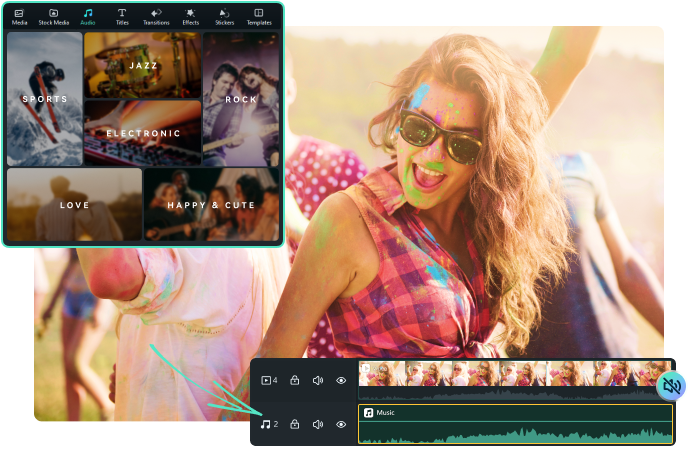
Massive Library of Music to Replace the Original Audio
After removing the audio, take your video to the next level with captivating background music. Browse through our library of royalty-free music in various genres or upload your own music. Enhance the entire video by simply dragging music to the audio track.
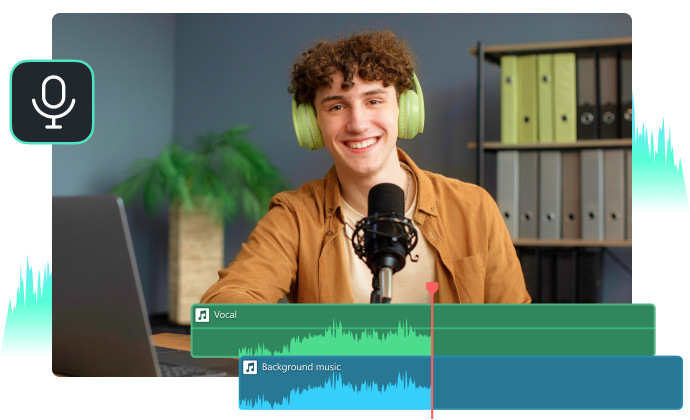
Record Voiceover for Your Videos in a Few Clicks
Besides background music, you can easily add voiceovers, sound effects, narrations, and dubbing for the video clip. Just click the Microphone icon above the timeline to start recording your own voice.
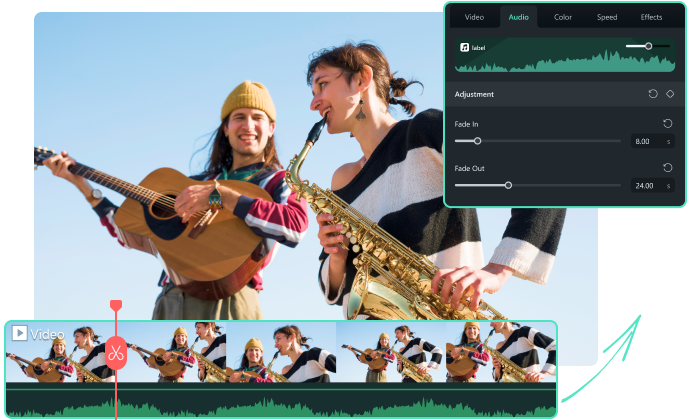
Easily Adjust Audio Clips as Your Preference
Simply right-click the audio track and select Adjust Audio, then you can control the audio volume, speed, and pitch in seconds. Filmora also allows you to add a subtle fade-in or fade-out effect for the right tone of your background music.
Remove Audio from Video in 3 Easy Steps

1. Import your video
Drag and drop your videos into the Filmora editor.
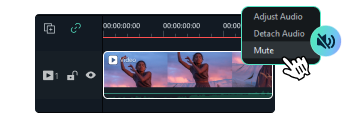
2. Mute the audio
Select the video and right-click "Mute" to remove the sound. Add background music from the audio library.

3. Export and Share
After you’ve made your final edits, export your video or share it directly on social media platforms.
Explore More Tools to Edit Audio in Filmora

Audio Ducking
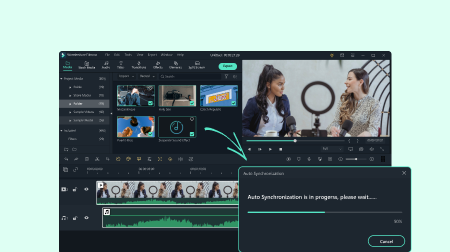
Auto Synchronization
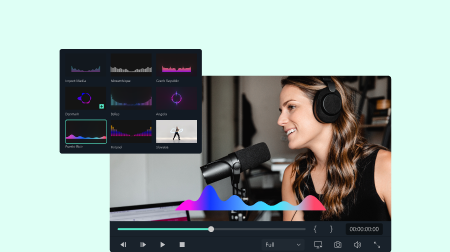
Music Visualizer
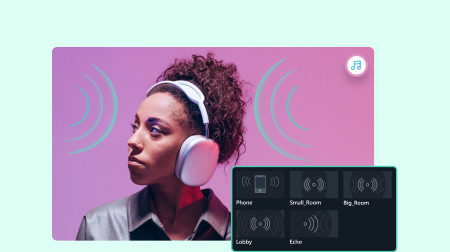
Audio Effects

Text-to-Speech

Auto Beat Sync
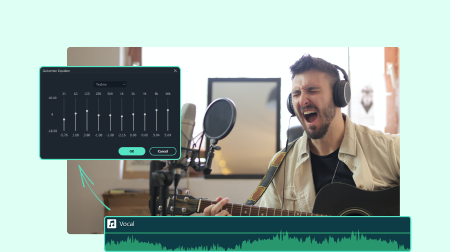
Audio equalizer
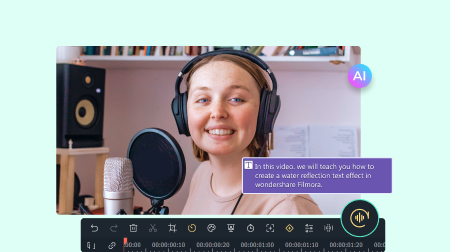
Speech-to-Text
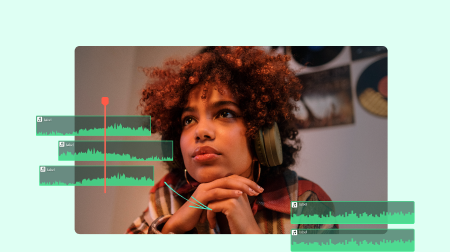
Audio Normalization
Trusted by Over 85 Million Users


