



Wondershare Filmora
Wondershare Filmora

The Best Video Editor

Transform your video into a piece of art with simple drag & drop interface and powerful editing tools!

free download
free download
For Windows 11 and below
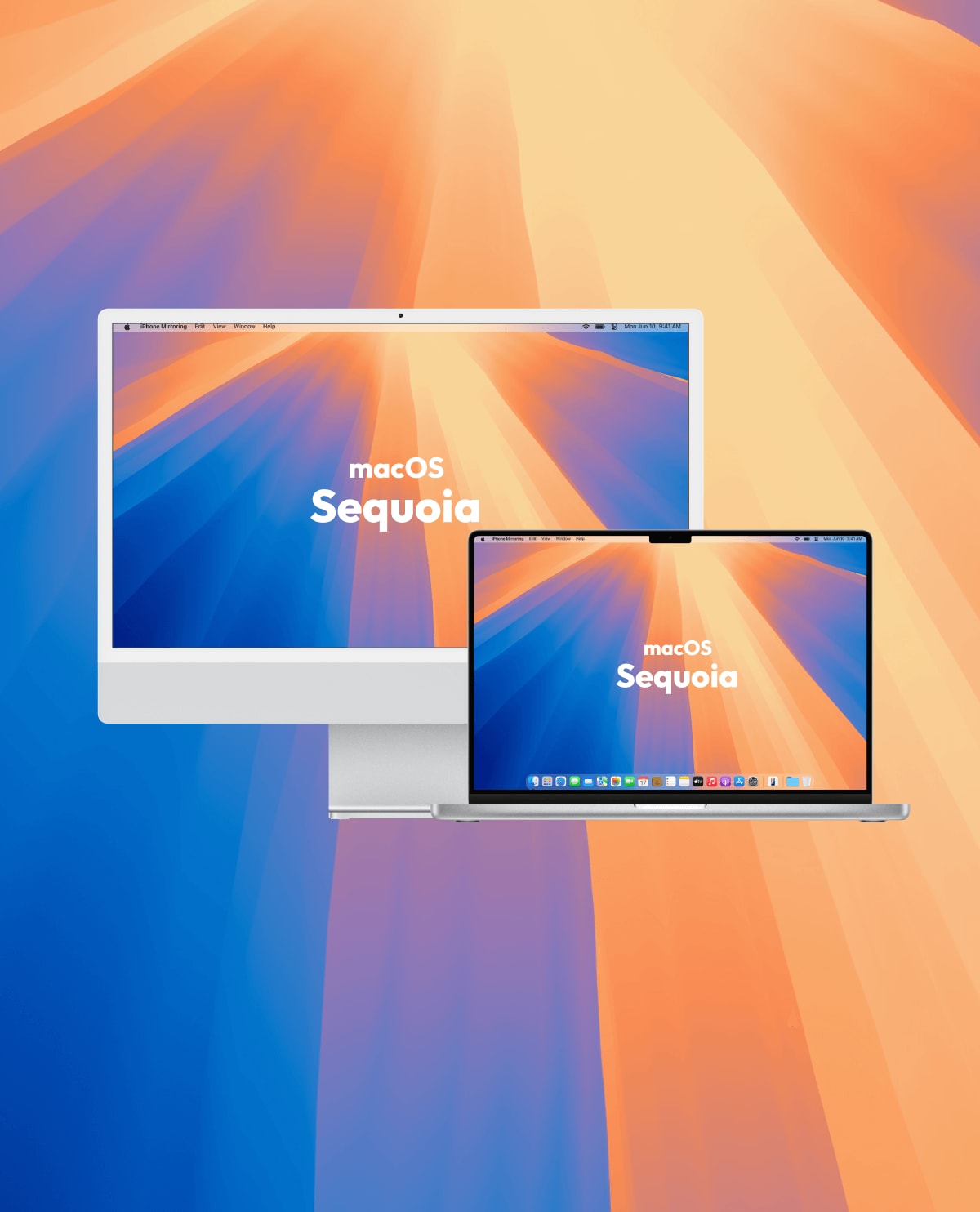
For macOS 10.15 - macOS 26
404
rating icon
G2 Crowd
4.5 out of 5
rating icon
Capterra
4.5 out of 5
rating icon
Get App
4.5 out of 5
rating icon
Shorty Awards
4.5 out of 5
rating icon
SoftwareHow
4.5 out of 5
rating icon
G2 Crowd
4.5 out of 5
rating icon
Capterra
4.5 out of 5
rating icon
Get App
4.5 out of 5
rating icon
Shorty Awards
4.5 out of 5
rating icon
SoftwareHow
4.5 out of 5

Optimized, United
Designed for Mac, Powered by Apple.

Enjoy full and superior certified quality, from inside, M1 to M4 chip compatibility, to outside, Dolby Vision and ProRes certified. Inspire potential with every Mac feature and technology.

Dolby Vision

Dolby Vision

Bring your videos to life with stunning HDR quality through Dolby Vision support for incredible visuals.
Senza soluzione di continuità-pic

Modern Rendering With Metal

Modern Rendering With Metal

Boost rendering speed and efficiency with advanced Metal-powered rendering technology for Mac users.
rendering moderno con mela in metallo

DCI-P3 Support

DCI-P3 Support

Experience true-to-life colors and cinematic precision with DCI-P3 color gamut support.
Supporto DCI-P3

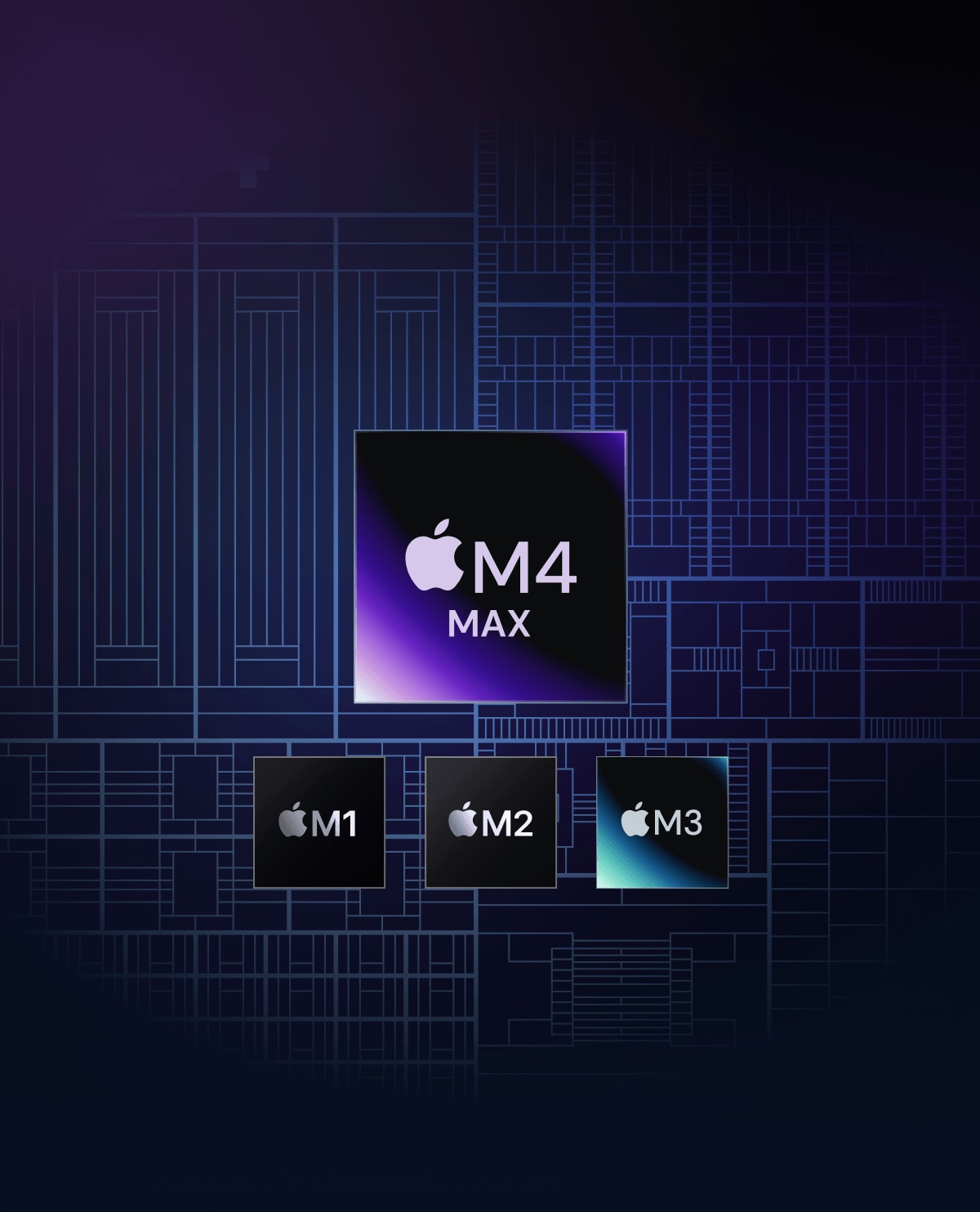
M1 to M4 Chip Compatibility

M1 to M4 Chip Compatibility

Enhance full support for Mac M1 to M4 chips with Filmora for optimized editing quality and efficiency.
compatibilità chip da m1 a m4

macOS Compatibility

macOS Compatibility

Enjoy compatibility with macOS versions 10.15 (Catalina) to 15 (Sequoia).
Compatibilità macos

Apple ProRes Support

Apple ProRes Support

Achieve professional-grade video quality and smoother editing workflows with Apple ProRes support.
Supporto per apple prores

Start Creating in a Simple Way

You can easily make impressive and captivating videos using Filmora, a video editor for Windows. With Filmora's built-in editing features,
creating videos only requires a few simple steps. Enjoy the powerful features of Filmora video editor with a free download.
  • function-edit Edit
  • function-audio Audio
  • function-color Color
  • function-effects Effects
  • function-ux AI
function-edit

Edit

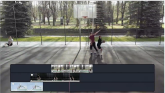
Filmora constantly improves your experience by simplifying features like razor tool, keyframing, and masking. Edit with enhanced features and new shortcuts to double your efficiency!
function-audio

Audio

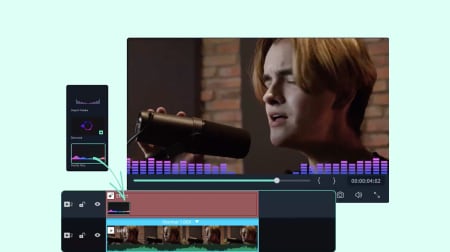
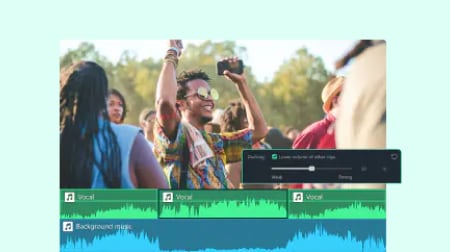
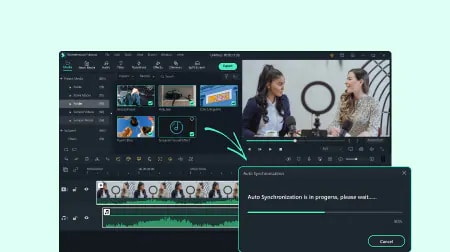
Filmora enhanced audio editing with AI-based features like Audio Visualizer and Auto Ducking. With 1200+ royalty-free music, mixing and playing audio with Filmora can be enjoyable.
function-color

Color

Filmora allows you to do advanced color grading and color correction within seconds. Try out these color tools to bring magnificence to your artwork.
function-effects

Effects

Reinforce your video effects with all the amusing titles, transitions, stickers, intros, and outros! Never make a boring video again with this super fun video editor!
function-ux

UX/UI

Filmora's AI tools help you generate videos from text, photos or audio files. Refine every detail with precision AI video editing. Create engaging, social media-ready content quickly and with ease.

Make Professional Videos in a Smart Way

Make Professional Videos in a Smart Way

  • AI Video Enhancer
    Improves clarity by reducing blur and adding fine details, upscaling to 4K without sacrificing quality.
  • Your every song is the right song to fit any length of clip with AI Audio Stretch.
  • No more wind noise, crowd noise, or any annoying sound. Enjoy the peace that Filmora brings.
  • Resize a row of videos automatically in minutes. No editing skills are required.
  • Create a non-stop video full of highlights by cutting all needless pauses smartly.

AI Smart Cutout

Paint on people, background, or any imperfections to make your videos flawless.

AI Audio Stretch

Your every song is the right song to fit any length of clip with AI Audio Stretch.

AI Audio Denoise

No more wind noise, crowd noise, or any annoying sound. Enjoy the peace that Filmora brings.

Auto Reframe

Resize a row of videos automatically in minutes. No editing skills are required.

Silence Detection

Create a non-stop video full of highlights by cutting all needless pauses smartly.

Loved by 10M+ Creators & Businesses Worldwide

user-g2-crowd

G2 Crowd

2026 Spring Leader
user-shorty-awards

Shorty Awards

Best in Photo and Video
user-getapp

GetApp

Video Editing Leaders
Content creator using Filmora
Content Creator

Professional-Quality Videos with Zero Learning Curve.

Wondershare Filmora is incredibly easy to use, even for beginners. Its intuitive drag-and-drop interface, combined with a wide range of pre-built templates, transitions, and effects, makes video editing both smooth and efficient. I especially appreciate the extensive built-in library of music tracks and animated text effects, which not only saves time but also allows me to create professional-looking videos effortlessly. With Filmora, even complex editing tasks feel manageable, making it the perfect tool for creators who want high-quality results without a steep learning curve.


E-commerce store owner using Filmora
E-commerce Store Owner

Game-Changer for Product Ads and Side Hustles.

Filmora has allowed me to scale my e-commerce store and develop a video editing workflow I didn't know I was capable of. Creating high-converting product videos used to be a major headache and cost us thousands in outsourcing. With Filmora's built-in templates, smart cutout tools, and automatic audio sync, we can produce polished product showreels in-house within hours. The quality is top-notch and the return on investment has been incredible for our online business.

Digital marketing consultant using Filmora
Digital Marketing Consultant

Essential Tool for Scaling Our Video Campaigns.

As a digital marketing consultant, I need to test multiple video ad variations quickly. Filmora strikes the perfect balance between user-friendliness and power, making it a great choice for fast-paced video creation. The drag-and-drop functionality and rich asset library allow me to turn raw footage into high-converting ad assets in minutes. Compared to other platforms, elements are well categorized and easy to find, helping us significantly reduce asset production cycles and lower marketing costs.

UI and UX designer using Filmora
UI/UX Designer

Beginner-Friendly Editing with Professional Power

I really like how intuitive and beginner-friendly Wondershare Filmora is. The interface is clean, easy to navigate, and makes editing videos simple, even for those without prior experience. At the same time, it offers a wide range of advanced tools, effects, and templates that allow you to create professional-looking videos quickly. I also appreciate the frequent updates, color grading options, and the built-in library of music, transitions, and animations.

Communications Advisor using Filmora
Communications Advisor

Studio-Quality Videos Without Being a Pro.

What I love most about Filmora is its perfect balance of professional power and ease of use. You don't need to be an editor to create studio-quality videos. The interface is clear, smooth, and intuitive, while the visual and audio effects are top-notch. I especially enjoy the drag-and-drop functionality, the variety of templates, transitions, and text effects, as well as automatic audio synchronization and seamless multi-layer editing. On top of that, the creative resource library is an absolute treasure.

Children's Book Author using Filmora
Children's Book Author

Packed with Power, Effortless to Master.

Filmora is impressively packed with everything a video editor could need, and the best part is, you don't have to be a professional to use it. The interface is intuitive, and the tools are surprisingly powerful. One feature I especially love is the Beautify Face tool, and the screen recording with auto-captions makes a noticeable difference in improving tutorial quality. It's a game-changer for my online courses. Highly recommended for creators who want professional results without a steep learning curve!

Gaming and tech content creator using Filmora
Gaming & Tech Content Creator

Handles Heavy 4K Projects Without Freezing.

Editing high-framerate gaming footage and tech reviews usually requires a massive rig, but Filmora doesn't freeze or crash during heavy render tasks. The timeline remains responsive even with multiple video tracks, overlays, and 60fps footage. I love how fast the GPU acceleration is when rendering long walkthroughs, and the built-in sound effects and speed ramping give my videos a polished edge. It's by far the most stable editor I've used for gaming content.

Non-profit communications lead using Filmora
Non-Profit Communications Lead

Streamlines Our Video Workflow for Maximum Impact.

Filmora has been an incredible asset for our non-profit organization. We need to produce high-impact, story-driven content quickly across multiple social platforms, and Filmora enables our small team to do just that without an expensive production setup. The intuitive interface allows non-video staff to step in and edit smoothly. Features like auto-captions, built-in royalty-free music, and seamless multi-platform export save us valuable hours every week, allowing us to focus more on our mission and community outreach.

Enrich Media Resources in an Unseen Way

10K+ Preset Templates
and Instant Mode

Superb videos can be made in a few clicks.

10M+ Creative Assets

Titles, audio, transitions, effects, stickers, and more—all at your fingertips in Filmora.

Do More with Eye-popping Plugins

Extend the way you edit with NewBlue, Boris FX plugins, or countless effects in Filmora!

Advance Your Editing
in an Efficient Way

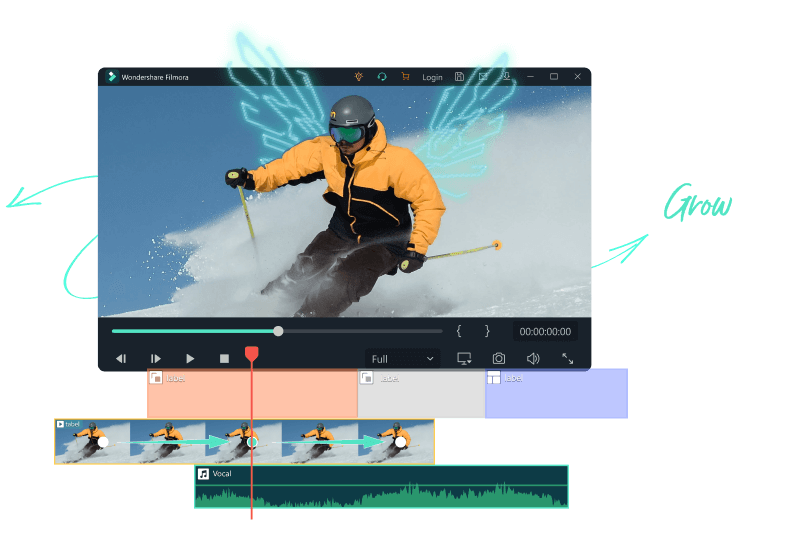
Enhanced Keyframe

Unlock more high-level tricks with an enhanced keyframe that can apply to all parameters.

Motion Tracking

Level up your editing with intuitive object tracking that's accessible to everyone.

Speed Ramping

Adjust your video's speed with better control of your keyframes to create unique cinematic effects.

Split Screen

Multiply your fun with multiple screens for a unique way to tell your story.

Chroma Key/Green Screen

Discover the unlimited possibilities of video background with Green Screen.

Draw Mask

Editing is like painting when using the tool to mask any complex shapes.
  • thumb-keyframing-pic
    Enhanced Keyframe
  • thumb-tracking-pic
    Motion Tracking
  • thumb-speed-pic
    Speed Ramping
  • thumb-split-pic
    Split Screen
  • thumb-green-pic
    Green Screen
  • thumb-mask-pic
    Draw Mask
Unlock more high-level tricks with an enhanced keyframe that can apply to all parameters.
Level up your editing with intuitive object tracking that's accessible to everyone.
Adjust your video's speed with better control of your keyframes to create unique cinematic effects.
Multiply your fun with multiple screens for a unique way to tell your story.
Discover the unlimited possibilities of video background with Green Screen.
Editing is like painting when using the tool to mask any complex shapes.

Edit in Your Own Way

Filmora video editor always tries to cover all creators' needs and bring the best to you.
creator-food-text
creator-vloggers-text
creator-gamer-text
creator-marketer-text
creator-beauty-text
creator-reviewer-text

Frequently Asked Questions

Filmora is the best video editor for beginners. You don’t need any prior experience to make high-quality videos. Filmora offers instant mode, preset templates, and auto beat sync to make a video in a few steps. Filmora also has green screen, keyframe, as well as plenty of features and effects that are easy to use.
Filmora makes video editing simple. Millions of creators choose Filmora as their video editor. Not only Filmora is easy to use, but we also offer 10+ million built-in free stock medias, and outstanding video effects to make your video more attractive.
Filmora supports a wide range of file formats including Apple ProRes, MPEG-2, MPEG-4, AVCHD, and native camera formats like Canon and Sony RAW, as well as a wide variety of codecs in a QuickTime (MOV) or MXF container.

Now, you have the support you need to
express, achieve, and grow your talents